
Card Surcharge Ban 1 October 2026 Explained
If you add a surcharge when your customers pay by card, that stops on 1 October 2026.
There's no need to panic. For most small businesses, this is a small change. But it's better to understand it now than to notice it in your bank account in November.
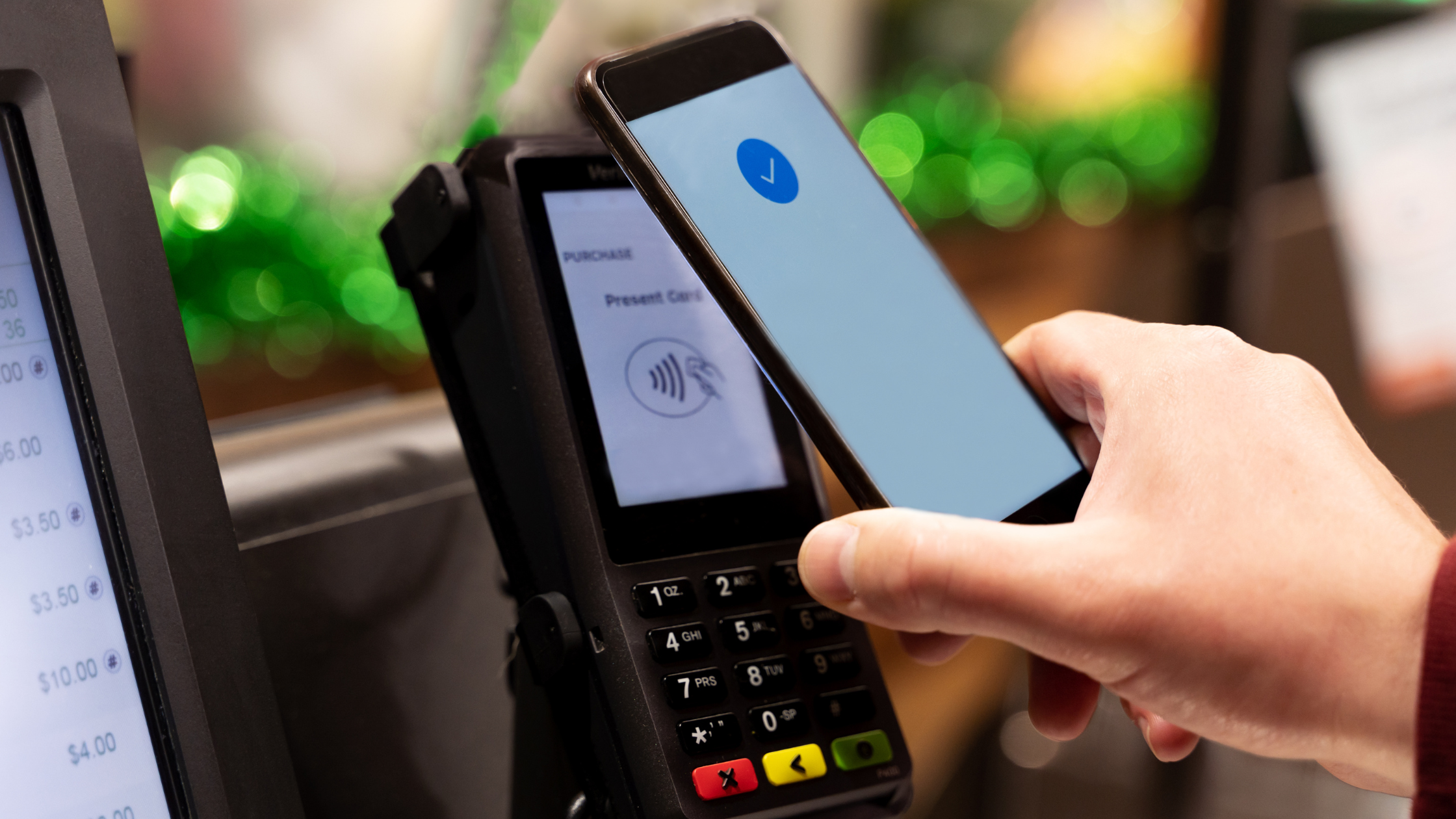
What's changing?
From 1 October 2026, Australian businesses can no longer add a surcharge when a customer pays by eftpos, Visa, Mastercard or Amex. UnionPay and PayPal are doing the same.
The Reserve Bank decided card surcharges weren't working the way they were meant to. Some businesses were charging more than the card actually cost them, and customers often didn't know the fee was coming until they'd already tapped.
So the cost of accepting a card is still there. It's just that business owner now pays it, rather than passing it on as a separate line on the invoice to the customer.
A couple of things that are not changing:
Weekend and public holiday surcharges are still fine
Booking fees and service fees are still fine
One thing to watch: you can't just rename your surcharge a "card handling fee" or offer a "cash discount" that works the same way. If it looks like a surcharge and acts like a surcharge, it's treated as one.
If you use Xero with Stripe
Good news. If you take card payments through Xero's Stripe setup, Xero will make the change for you. You don't need to touch your settings.
From 1 October:
The surcharge option will disappear from Xero
Any unpaid invoices already sent out with a surcharge will be updated automatically
Your customer will just pay the invoice amount
Xero's Stripe fee drops slightly, from 1.8% + 30c to 1.75% + 30c per payment
If you use Square, Tyro, a bank EFTPOS machine, or Stripe outside of Xero, check with your provider. Most are switching it off automatically, but it's worth confirming.
What does it actually cost you?
This is the most important part.
"1.75%" sounds tiny. But it's easier to understand in dollars.
On a $500 invoice, you'll pay about $9.05 in fees
On a $50 sale, you'll pay about $1.18. Because of the 30c fixed fee, that's closer to 2.4% of the sale
Now look at the whole year. Say $80,000 of your income comes in by card, across 200 invoices. That's around $1,460 in fees coming out of your pocket that your customers used to cover.
For some businesses, that's a "yep, I can live with that" number. For others, it's a real hit to profit.
The fees are a tax deduction, and if you're registered for GST you can claim back the GST on them. So the true cost is a little lower than the headline number. But it's still a cost.
What can you do about it?
1. Work out your number first. Pull up your Stripe (or other payment provider) report and look at what you actually paid in card fees over the last 12 months. Don't guess from the headline rate. Your real cost depends on the mix of cards your customers use.
2. Decide if you can wear it. If the annual amount is small compared to your profit, you might just absorb it and move on.
3. Build it into your prices. If it's a meaningful amount, factor it into your pricing. This is completely allowed. It's no different to building in rent, insurance or software costs.
4. Does it need to happen now, or can it wait? If your fees are small, you can probably wait until your next scheduled price review. If you're working on tight margins or big invoices, it's worth looking at sooner rather than later.
5. Don't increase prices just for the card fee. If you're due for a price review anyway, look at all your costs together. One well-thought-out increase is better than a small one now and another in three months.
6. Make bank transfer the easy option. When a customer transfers money straight into your bank account, you generally don't pay a card fee. Put your BSB, account number and PayID clearly on every invoice. One thing to know: some "pay by bank" options through payment platforms (like Stripe's PayTo) still charge a fee, so check before assuming it's free.
7. Ask yourself if you still need card payments on your invoices. For some businesses, getting paid faster is worth the fee. For others, especially if you send larger invoices, it may make sense to remove the card payment option from your invoices altogether and ask for bank transfer instead. You can switch it off in Xero (or your invoicing platform) whenever you like.
8. Update anything that mentions surcharges. Check your website, invoice templates, terms and conditions, quotes and any signs at your counter.
The bottom line
If you use Xero and Stripe, the switch-off happens automatically. What won't happen automatically is your pricing catching up. That part's up to you.
Need help working out what your card fees are really costing you, or whether now's the time to review your prices? Book a chat with Indigo Tax.